
New: Improve your cash flow forecast accuracy with our new suggested projections
In any cash flow planner, users add future transactions to predict their cash flow as accurately as possible. On Cash Flow Frog, these future transactions are called Projections.
Since our software is a cash flow planner for QuickBooks Online, QuickBooks Desktop, and Xero accounting software, our algorithm examines your data and automatically predicts future transactions and suggests them as projections.
We use automation to help you avoid tedious manual work of analyzing which transactions are likely to occur in the future, and then, before adding them to your forecast, making sure they aren’t already included.
Instead of automatically adding these transactions to your forecast, the software will ask for your permission, so that you review the suggestions and make sure all of them are accurate.
Click on the ‘Suggestions’ tab at the top of your Projections screen to see all the cash flow projections that the algorithm has generated:
In the popup you can review projections that were suggested by the algorithm before including them in the cash flow planner:
- Any suggested projection can be edited, excluded or included in your cash flow scenarios:
- You can edit all the details of any cash flow projection. When you’re done editing click ‘Save’:
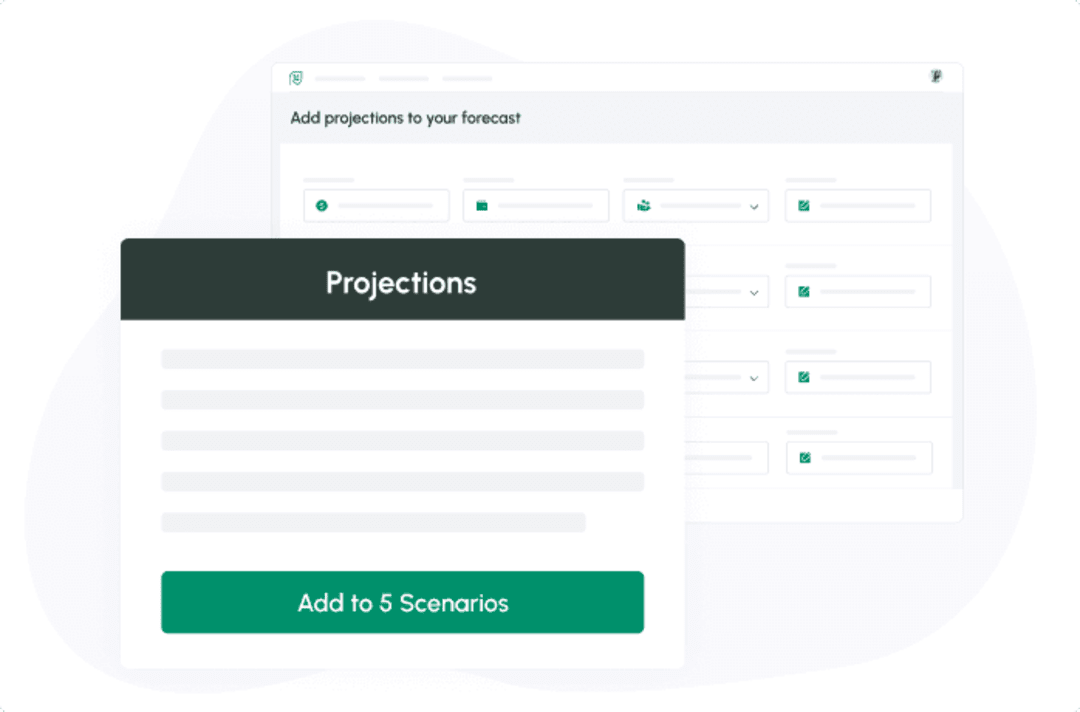
- Any projection can be included in one or all of your cash flow scenarios:

New: Export your cash flow forecast to Excel
Read more
New: Drag & Drop / Export PDF reports
Read more
New: Consolidated cash flow
Read more
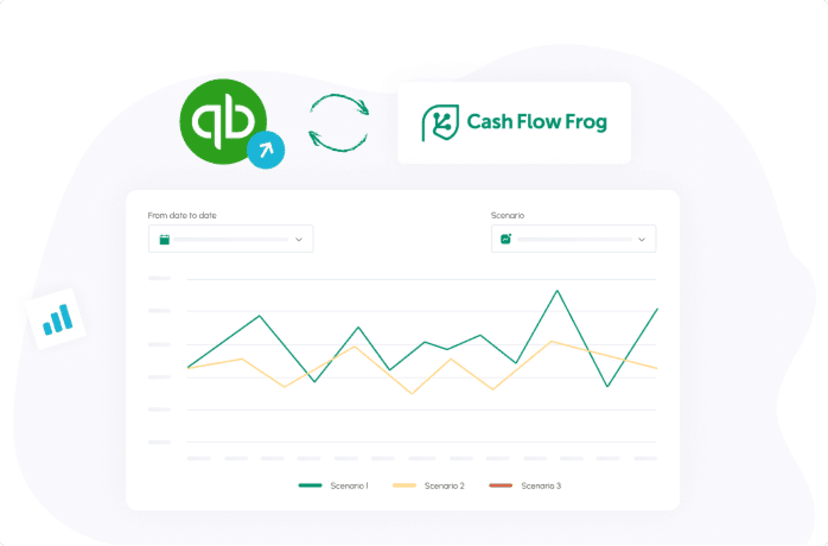
New: Cash Flow Frog now integrates with QuickBooks Desktop
Read more

New: Automatically set expected payment dates for bills and invoices
Read more
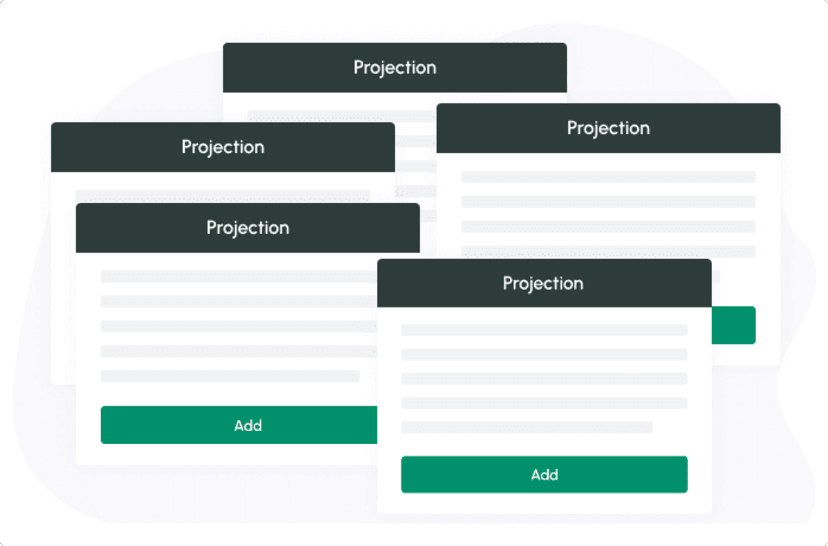
New: Add multiple projections in bulk
Read more
New: Account mapping: Restructure your QuickBooks data on Cash Flow Frog
Read more
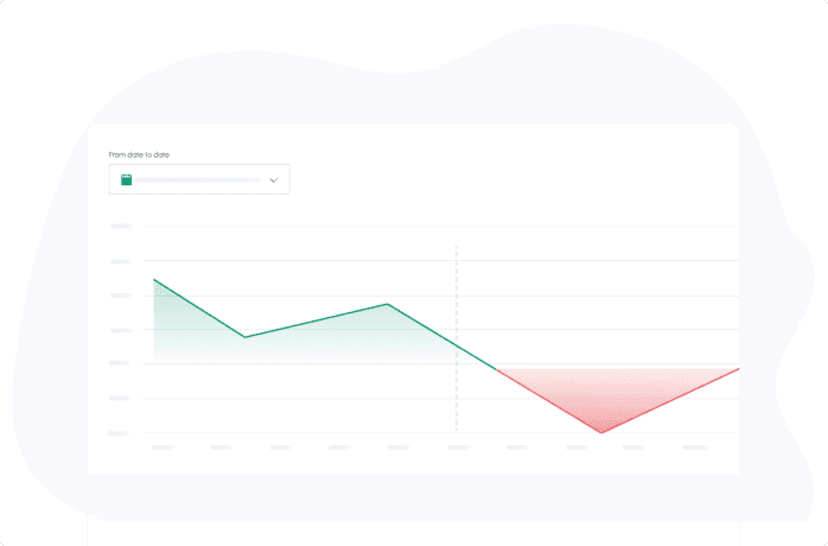
New tooltips help you see your balances at any point on the graphs
Read more
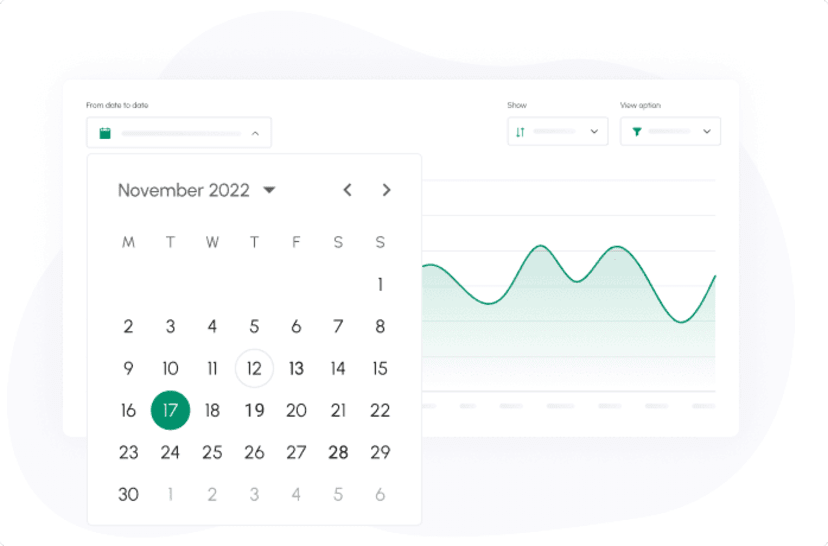
Monthly Cash Flow Forecast
Read more
Trusted by thousands of business owners
Start Free Trial Now