
QuickBooks class tracking in Cash Flow Frog
Most businesses already store a large amount of financial information inside QuickBooks. The challenge is turning that data into forecasts that actually support day-to-day decisions.
A single company-wide forecast may look healthy while one department struggles with rising payroll costs or slower collections, and this is where QuickBooks class tracking becomes valuable.
When you structure QuickBooks classes properly and connect QuickBooks to Cash Flow Frog, you can review cash flow by business segment instead of relying only on blended totals. That added visibility helps you make more informed planning, hiring, and spending decisions.
What QuickBooks Class Tracking Adds to Your Cash Flow View
From One Company-Wide Forecast to Segment-Level Visibility
A standard forecast combines all activity into one financial picture. That approach works well for smaller companies operating from one location or offering one core service.
As your business grows, however, different parts of the company often begin performing differently.
One location may collect invoices quickly while another struggles with delayed receivables. Company-wide reporting can hide those differences because everything appears inside the same totals.
This is one of the biggest advantages of QuickBooks class tracking inside Cash Flow Frog. Instead of viewing only overall cash flow projections, you can evaluate financial activity by operational segment.
Class-level forecasting often helps businesses identify:
- Departments with growing overhead
- Regions with slower collections
- Product lines with unstable margins
- Locations with healthier cash flow patterns
Without segmentation, those trends are harder to detect early.
Why Class Data Is Different From Standard Accounting Categories
It’s easy to assume expense accounts and classes serve the same purpose, but they answer different questions.
Accounts show what a transaction is. Classes show which part of the business the transaction belongs to.
For example:
- Payroll remains payroll regardless of department
- Rent remains rent regardless of location
- Software subscriptions remain software subscriptions regardless of service line
The class identifies where those expenses belong operationally.
This distinction matters because leadership decisions depend on context.
Business owners often ask why use class tracking in QuickBooks if their chart of accounts is already organized. The short answer is that classes provide an additional reporting layer focused on operational performance rather than accounting structure alone.

Image Source: Pexels
When Class-Based Cash Flow Is Actually Useful
Not every company needs detailed segmentation. A business operating in one location with a single revenue model may gain little value from class-based forecasting.
However, QuickBooks Online class tracking becomes much more useful when different operational areas behave differently financially.
For example, a retailer may notice one location generates strong sales but weaker cash flow because inventory turnover has slowed. A growing company may realize that administrative expenses are increasing faster than revenue supports.
Businesses that track classes in QuickBooks Online often gain a clearer understanding of which operational areas strengthen liquidity and which ones create financial pressure over time.
Before You Use Classes in Cash Flow Frog, Check Your QuickBooks Setup
This is one of the most important parts of the process.
Even strong forecasting software depends on accurate bookkeeping. If you have inconsistent transactions, forecasts become less reliable regardless of the reporting tools being used.
Before relying heavily on QuickBooks class tracking, you should first review your QuickBooks setup carefully.
Make Sure Classes Are Enabled in QuickBooks Online
Some businesses assume class tracking is already active when it is not.
If you are asking, does QuickBooks Online have class tracking? The answer is yes. Supported QuickBooks Online plans include this functionality.
Before connecting QuickBooks to Cash Flow Frog, you should:
- Confirm class tracking is enabled
- Verify transactions contain class assignments
- Review recent entries for missing classes
- Check QuickBooks class reports regularly
If you plan to use segmented forecasting long-term, make sure class tracking is enabled in QuickBooks Online and configured correctly before you build reporting around it.
A short review early in the process can prevent reporting issues later.
Keep Your Class List Simple Enough to Trust
One of the most common problems with QuickBooks Online class tracking is overcomplication.
Some businesses create classes for departments, customer types, projects, product categories, locations, and management structures simultaneously.
Eventually, employees begin categorizing similar transactions differently, and reporting becomes inconsistent.
A simpler structure is usually easier to maintain and easier to trust.
Businesses that track classes in QuickBooks Online using a focused structure usually build more dependable forecasts because the data remains consistent over time.
Check for Unclassified Transactions
Unclassified transactions create reporting problems faster than many businesses expect.
Bank feed imports, payroll adjustments, recurring subscriptions, and vendor reimbursements are often left without class assignments. At first, the impact may seem minor. But over time, those missing classifications distort trend reporting and reduce forecast accuracy.
For example, administrative payroll left unclassified for several months may cause one department to appear significantly more profitable than it actually is. You may then make hiring or budgeting decisions using incomplete information.
When using the QuickBooks class tracking feature, ensure you review QuickBooks class reports regularly to identify missing entries before forecasting becomes misleading.
Decide Whether Classes Should Track Departments, Locations, or Services
One of the fastest ways to weaken reporting clarity is to mix unrelated structures.
Some businesses attempt to use classes simultaneously for:
- Department tracking
- Location tracking
- Project tracking
- Service categories
While this may seem flexible initially, reporting becomes harder to interpret as the business grows.
Most companies achieve better results by selecting a single primary purpose for classes. If you are already using QuickBooks locations or QuickBooks projects, keep those systems separate whenever possible.
Clear segmentation creates more reliable forecasting than overly complex reporting structures.
Review Shared Costs Before Reading Class-Level Results
Not every expense belongs naturally to a single class.
Shared costs often include rent, executive compensation, insurance, administrative payroll, and software subscriptions. If those expenses are not allocated thoughtfully, some operational segments may appear weaker or more profitable than they truly are.
This is an important limitation of the QuickBooks class tracking feature. Class-based reporting improves visibility, but it does not automatically allocate shared costs accurately.
Class-based forecasting should be treated as a management tool rather than a perfect profitability system. The goal is clearer financial insight, not flawless cost allocation.
How Cash Flow Frog Uses QuickBooks Class Data
Class Data Helps Organize the Forecast by Business Segment
Cash Flow Frog uses QuickBooks class data to organize forecasts by operational segment instead of displaying only company-wide totals.
This becomes especially useful once different parts of the business begin performing differently.
A business may notice:
- One department is creating most of the cash pressure
- One region is collecting invoices more slowly
- One service line carrying unstable labor expenses
- One location maintains stronger liquidity patterns
Segment-level reporting helps leadership teams connect forecast changes directly to operational activity.
If you're using a dedicated cash flow forecasting tool, you'll find that class-based forecasting makes planning discussions more practical because financial trends become easier to isolate and analyze.

Image Source: Pexels
Class-based reporting makes operational trends easier to identify early.
You may notice payroll increasing faster than revenue within one department. A product category may continue generating sales while inventory costs rise steadily.
Without segmentation, those issues often disappear inside the overall company totals.
When using QuickBooks Online class tracking regularly, you can identify operational changes earlier because financial activity becomes easier to separate by segment.
Forecasting by Class Works Best With Consistent Transaction Tagging
Forecast quality depends heavily on bookkeeping discipline.
If you consistently track classes in QuickBooks Online, you'll create more reliable forecasts because transactions remain categorized predictably across reporting periods.
What Class Tracking Can and Can’t Tell You
QuickBooks online class tracking improves reporting visibility, but it is not a complete financial management system.
Class tracking can help businesses:
- Compare cash flow by segment
- Monitor spending patterns
- Review department performance
- Analyze regional activity
- Improve forecast visibility
However, class tracking does not automatically:
- Allocate every shared expense accurately
- Replace managerial accounting systems
- Fix inconsistent bookkeeping
- Measure long-term profitability by itself
The software helps reveal patterns. You still need to interpret those patterns carefully when making operational decisions.
Practical Ways to Use Class Tracking in Cash Flow Frog
Compare Cash Flow Across Departments
Department-level forecasting helps businesses identify where financial pressure is increasing.
Sales revenue may continue growing while customer support payroll expands much faster than expected. Additionally, administrative expenses may rise gradually over several quarters without raising immediate concern, as overall company revenue still appears healthy.
Department-level forecasting becomes more useful once class assignments are applied consistently across transactions. Clear department reporting helps you monitor staffing costs, operational spending, and liquidity trends more effectively.
See Which Product or Service Lines Put Pressure on Cash
Revenue growth does not always improve liquidity.
Some product lines require larger inventory investments. Segment-level forecasting helps you evaluate whether growth is strengthening financial stability or simply increasing operational complexity.
Review Locations or Regions Separately
Regional performance often varies more than expected.
One location may maintain stable collections and controlled expenses while another experiences staffing challenges, seasonal slowdowns, or delayed receivables. Overall company performance can still appear healthy even while one region weakens cash flow consistency.
Class-level reporting allows businesses to compare operational performance across locations before issues begin to affect broader financial stability.
Use Class Data Before Hiring or Expanding a Segment
Expansion decisions become riskier when you rely only on top-level financial averages.
A department may appear profitable overall but still create unstable cash flow patterns underneath.
Class-based forecasting provides a clearer view of whether a segment consistently supports healthy liquidity before businesses expand staffing, increase inventory, or open additional locations.
Many businesses combine class-based analysis with cash flow scenario planning before making major operational investments.
Track Whether Class-Level Plans Match Actual Results
Forecasting becomes more useful when you consistently compare projections against actual results.
A department may forecast stable payroll costs while continuing to add staff every month, and software subscriptions may increase steadily across teams without receiving much attention.
Reviewing those differences by class helps businesses improve forecasting accuracy while strengthening operational accountability.
Many accounting teams also use a monthly cash flow forecasting template review process to identify reporting inconsistencies earlier and improve the quality of long-term planning.
Common QuickBooks Class Tracking Issues That Affect Forecasts
Several common issues undermine forecasting reliability, even when businesses use robust reporting software.
These issues often include duplicate classes, inconsistent naming conventions, inactive operational segments, unclassified transactions, and uneven expense allocation methods.
For example, one employee may categorize contractor expenses under Operations while another assigns them to Administration. While those inconsistencies appear small individually, they gradually weaken reporting accuracy and distort financial trends.
A Quick Class Tracking Cleanup Checklist
When using QuickBooks class tracking, you'll benefit from regular cleanup reviews.
Focus on a few key areas:
- Review unclassified transactions
- Remove duplicate or inactive classes
- Standardize class naming conventions
- Verify shared expenses are allocated consistently
A simple quarterly review process can significantly improve reporting quality.

Image Source: Pexels
When Not to Use QuickBooks Classes for Cash Flow Forecasting
Class tracking is not necessary for every business.
A company operating in a single location with a single service model may gain little value from segmented forecasting. In some cases, additional reporting layers simply create unnecessary bookkeeping complexity.
You should also avoid expanding segmentation when transaction tagging remains inconsistent. Poor bookkeeping reduces forecast reliability regardless of the software being used.
Companies interested in improving long-term planning may benefit from reviewing a complete QuickBooks cash flow forecasting guide before expanding class-based reporting further.
Conclusion: Cleaner Classes Lead to Better Cash Flow Decisions
Most businesses already have enough financial data to improve forecasting. The challenge is to organize that information in a way that supports operational decisions rather than hiding important trends within blended financial totals.
With proper QuickBooks class tracking, businesses can use Cash Flow Frog to evaluate how departments, locations, service lines, or business units affect liquidity over time.
Instead of relying entirely on consolidated reporting, leadership teams gain clearer insight into which operational segments strengthen cash flow and which ones require closer attention.
The quality of those insights depends heavily on consistency. Simple class structures, disciplined transaction tagging, and regular cleanup procedures usually create more dependable forecasts than highly detailed systems filled with inconsistencies.
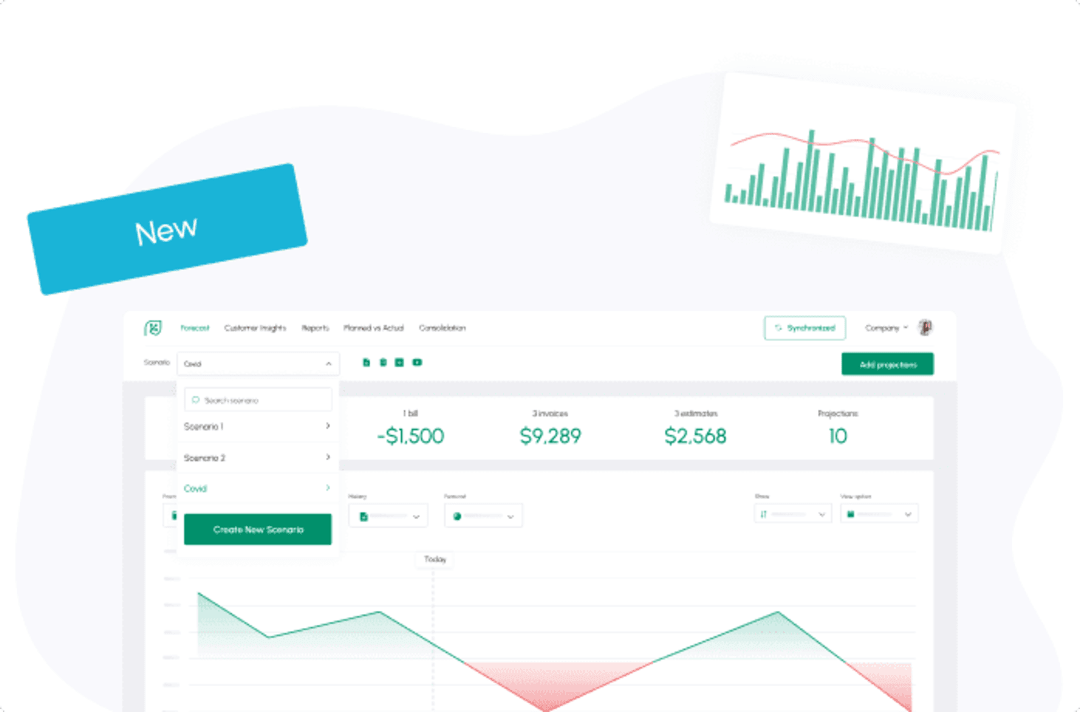

Xero Tracking Categories in Cash Flow Frog
Read more

New: Rule-Based Projections
Read more
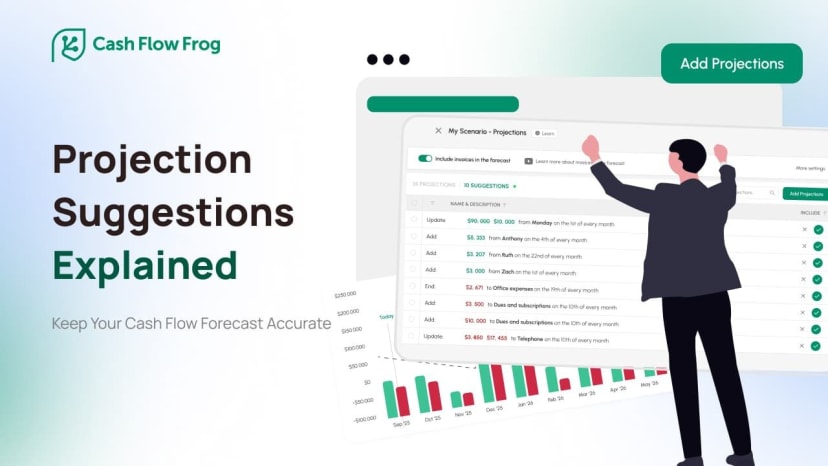
New: Projection Suggestions
Read more

Short Term vs Long Term Cash Flow Forecasting
Read more
New: Use QuickBooks Recurring Transactions
Read more
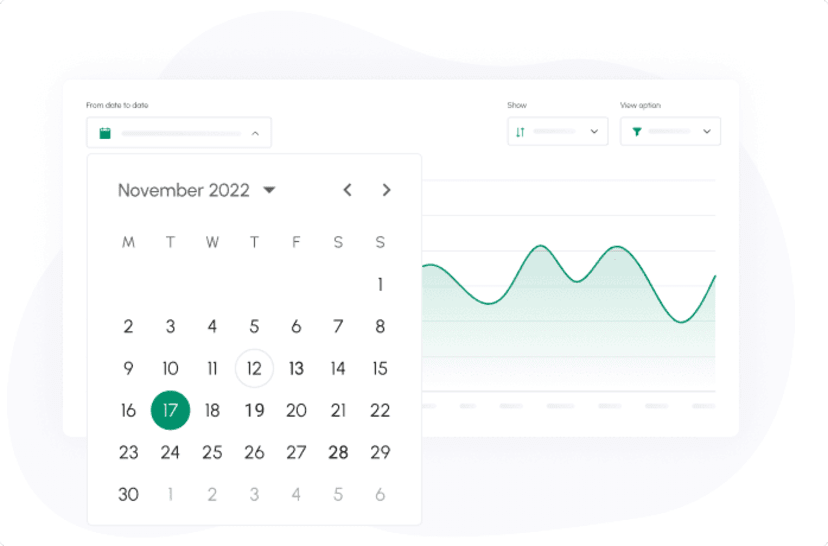
New: Set the period of time in which you want to view your cash flow
Read more
New: Quarterly View and advanced filtering
Read more
New: Improve your cash flow forecast accuracy with our new suggested projections
Read more
New: Export your cash flow forecast to Excel
Read more
Trusted by thousands of business owners
Start Free Trial Now