
Best Cash Flow Forecasting Software For Your Construction Businesses

Why do profitable construction companies run out of cash?
How does Cash Flow Frog handle construction cash flow?
- Per-project visibility. Drill down from the forecast to the transaction level and see which project is draining cash.
- Scenario planning. Build a scenario for winning the next bid, then switch to it and see whether you can carry the mobilization costs
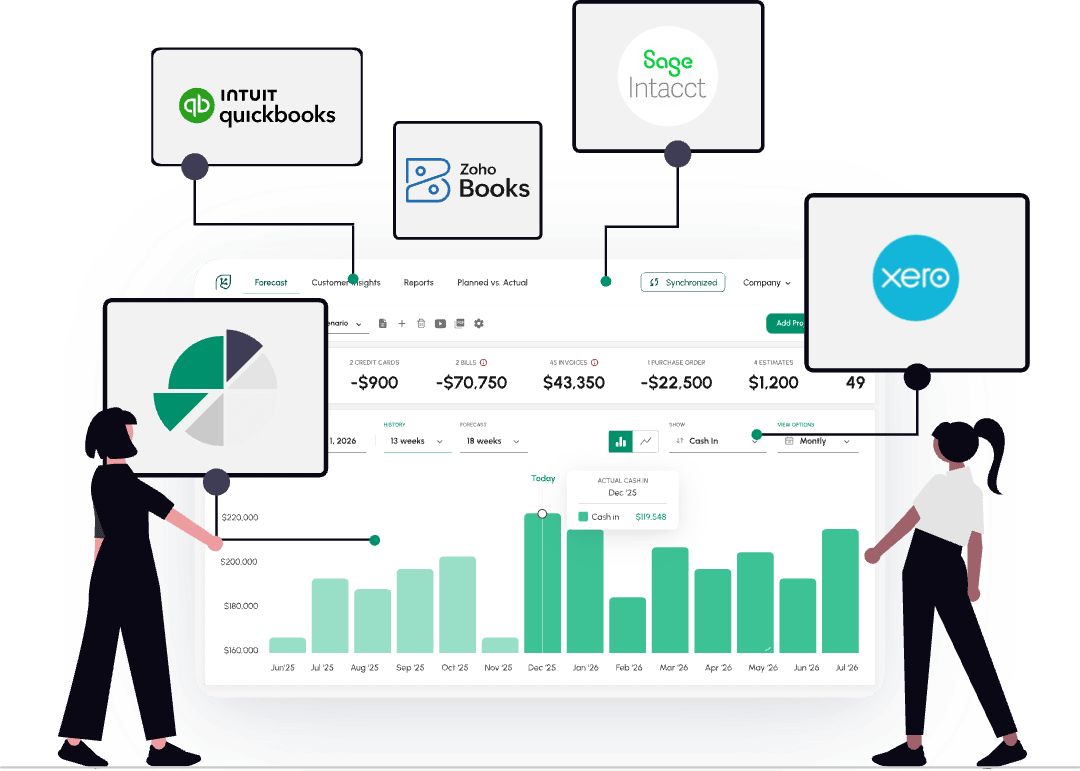
- Daily automatic updates from QuickBooks Online, QuickBooks Desktop, or Sage Intacct, so the forecast reflects yesterday's draws and payments without manual entry.
- Up to a 3-year rolling horizon for multi-year projects. Sage Intacct users can break the forecast down by location, department, or class.
Worked example: a 13-week contractor forecast
A residential GC runs $22,000 in weekly payroll and about $15,000 a week in materials. In week 1 they invoice $180,000 on a progress bill, due net-60, minus 10% retainage, so $162,000 lands in week 9. Older receivables taper off through week 5 while other jobs keep billing.
13-week contractor forecast (opening balance $40,000)
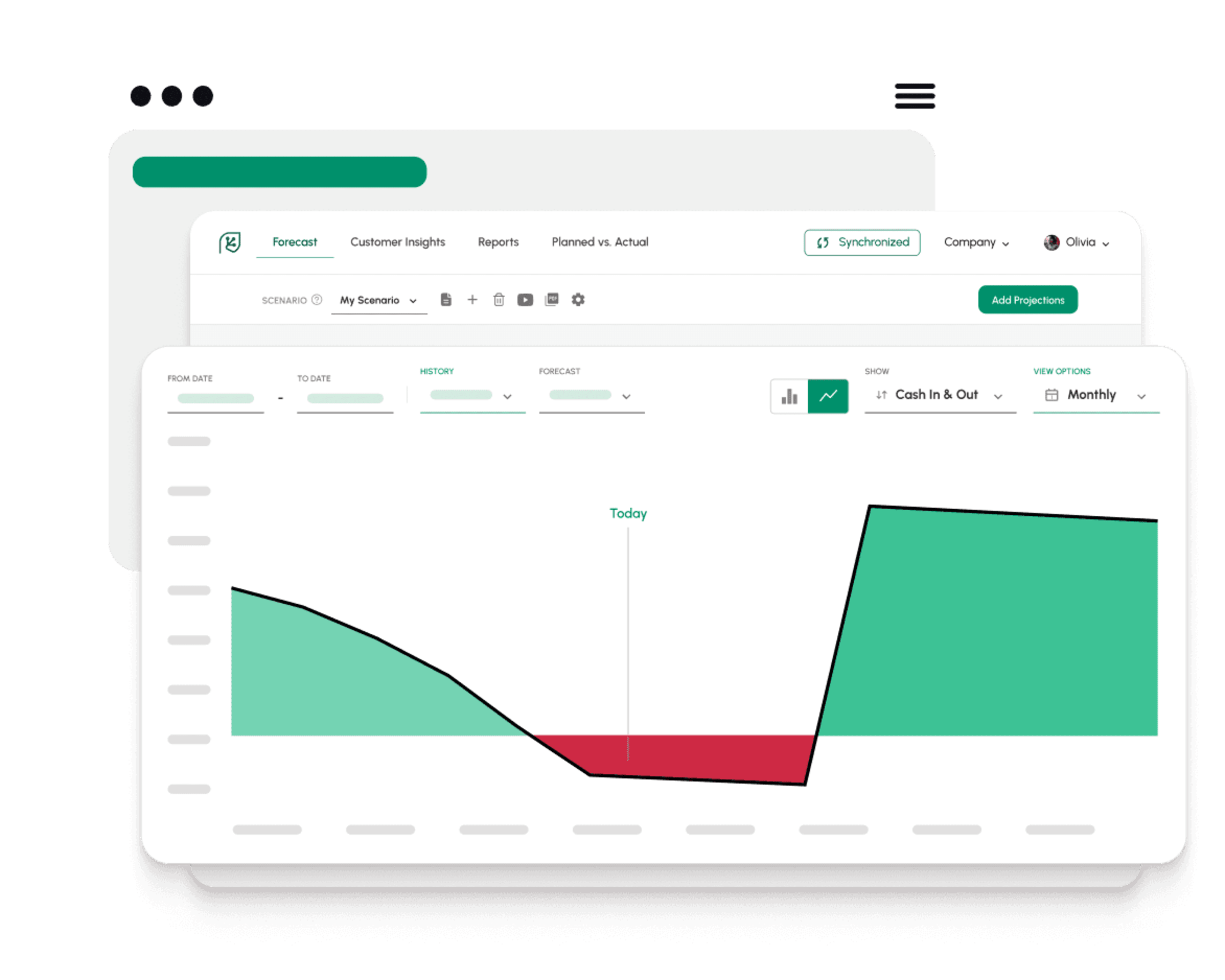
The forecast shows the account going $67,000 negative by week 5 and staying under water until the progress payment clears in week 9. Seeing that in week 1 leaves time to draw on the credit line or push a supplier payment, instead of finding out at payroll.
Really good forecasting app on every measure. No issues with the synch, user-friendly, meaningful outputs.
Michel Heller

How do you set up a construction cash flow forecast?
Connect your software
Connect QuickBooks Online, QuickBooks Desktop, or Sage Intacct. Bank-only setups can import transactions through Excel.
Build the forecast
Cash Flow Frog builds the baseline forecast from your existing invoices, bills, and payment history.
Payment expectations setup
Adjust payment expectations per customer to match real net-60 or net-90 behavior.
Check it daily
Check the forecast daily; it updates automatically as draws and payments post.
FAQ
How does retainage affect cash flow?
How do you forecast cash flow for a construction project?
Why do profitable construction companies run out of cash?
What people are saying about us

Tieshena Davis
CEO, Publish Your Gift®
A true life saver!
I've been trying to find an efficient and simplified way to forecast our cash flow and expenses, this is the complete solution.

Robert Hughes
Owner, Hughes Engineering, PLLC
Extremely useful
Extremely useful, helping me maintain my cash flow through an aggressive growth period, evaluate the financial planning for the future, and sleep better at night.

Cara Curphey
Founder Albion Bookkeeping & Consulting
Peace of mind
Finally found one that works for us! We tried several and finally found one that actually gave us what we needed - great UX, intuitive software, accurate forecasting.
Try It Free
Rated 4.6 on QuickBooks Marketplace • 4.8 on Capterra • 4.8 on Xero App Store