
Cash Flow Forecasting for QuickBooks Online
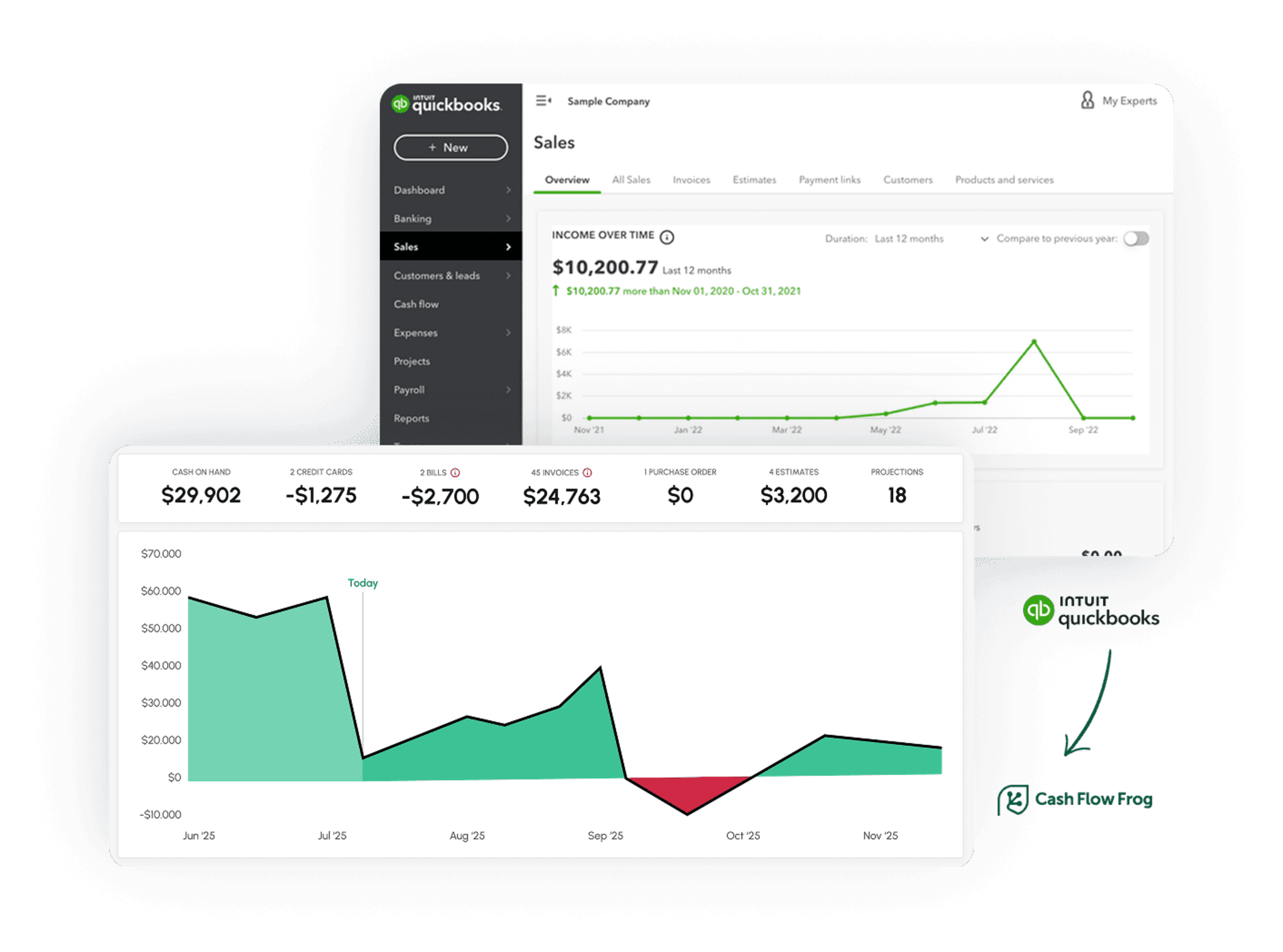
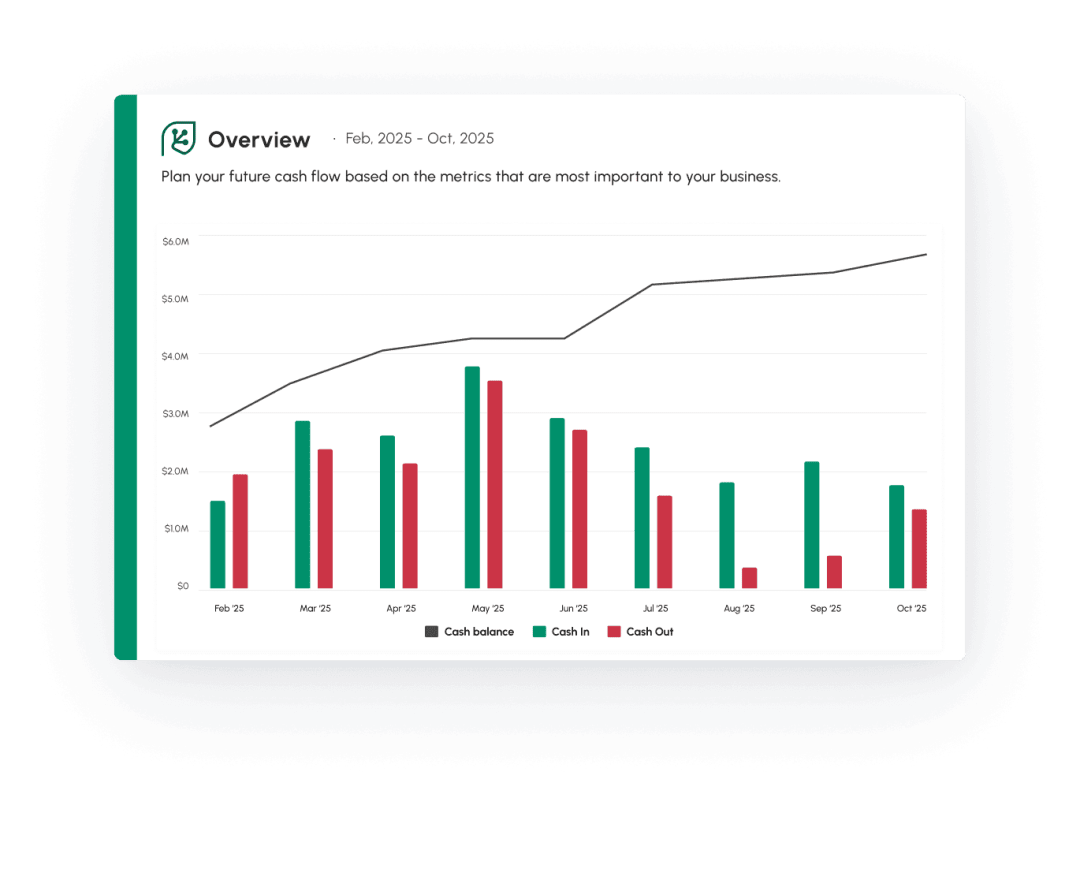
Cash Flow Frog connects to QuickBooks Online and builds a rolling cash flow forecast from your live data. Forecasts run up to 3 years out, update automatically every day, and drill down to the individual transaction. Connection takes under a minute. No spreadsheets, no data entry.
What you get with the QuickBooks Online integration
QuickBooks records what happened. Cash Flow Frog projects what is coming.
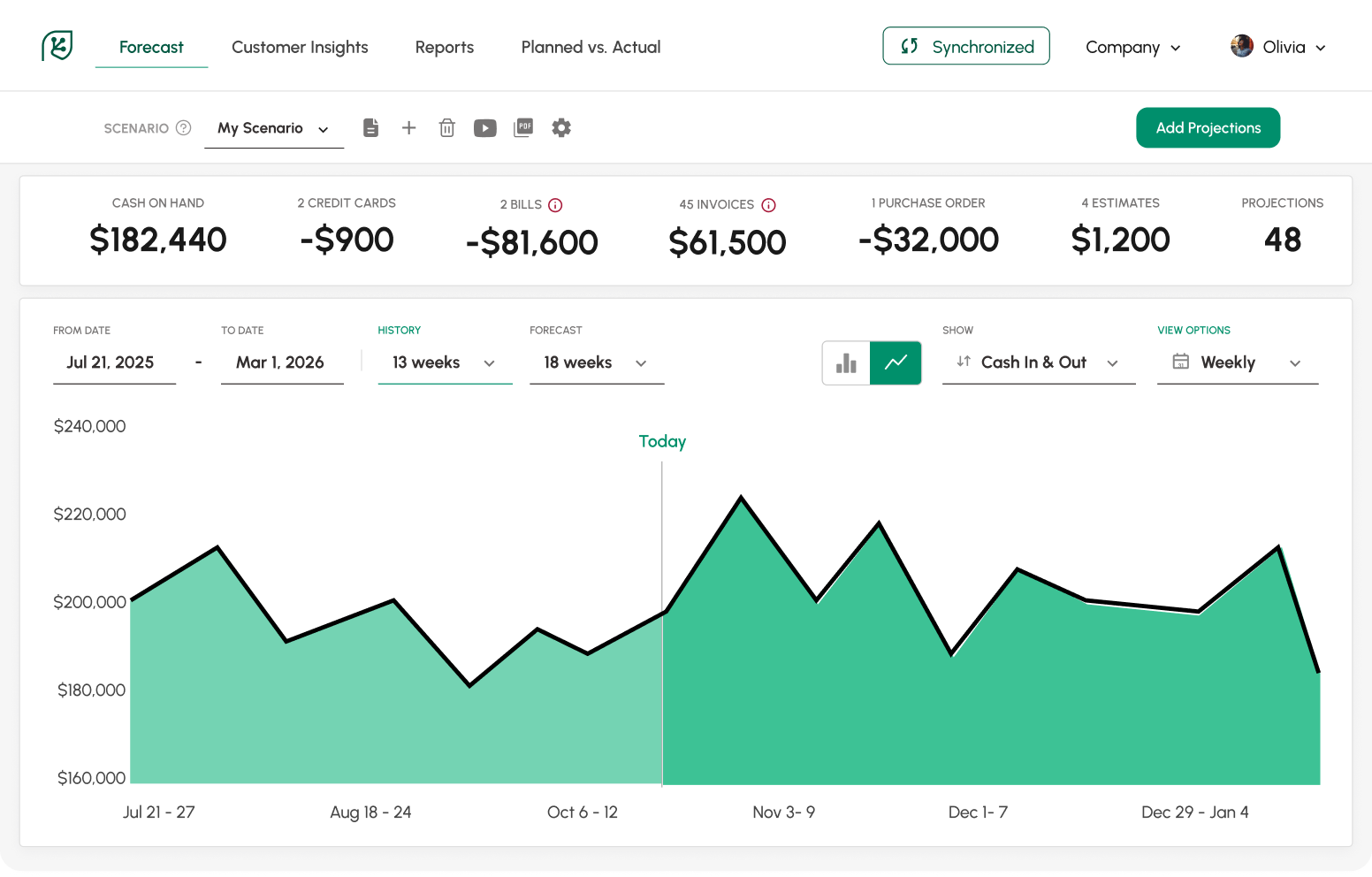
- Rolling forecasts up to 3 years, refreshed daily from your QuickBooks data.
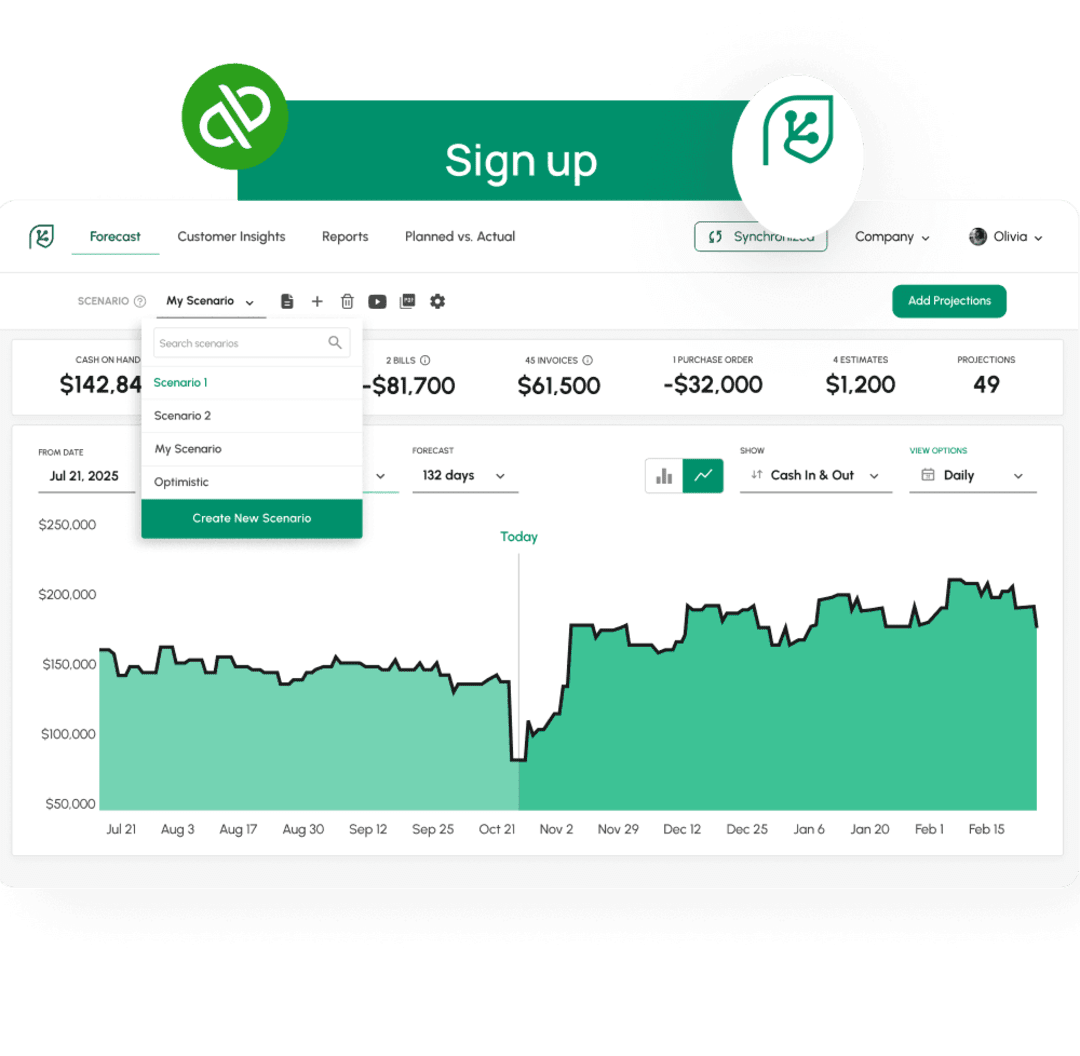
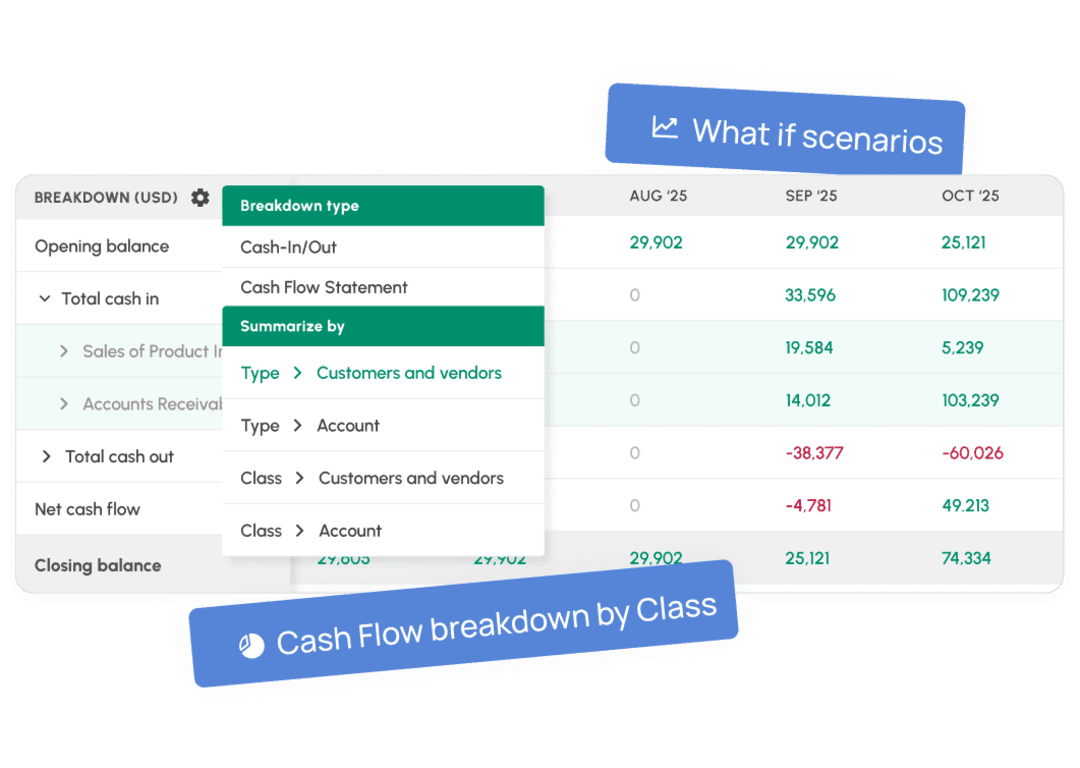
- What-if scenarios. Model a price increase, a new hire, or a slow-paying customer. Build separate scenarios and switch between them to see how each changes your cash position.
- Drill-down to the transaction. Every number in the forecast opens to the invoices and bills behind it.
- Forecasts by QuickBooks Class. Break the forecast down by the Classes you already track.
- Branded, shareable reports for partners, lenders, or your board. No spreadsheet exports.
Weighing forecasting tools for QuickBooks? See our comparison of QuickBooks cash flow options.
Connect QuickBooks Online in 4 steps
- Sign up for Cash Flow Frog, or click Get App Now on the Cash Flow Frog listing in the QuickBooks app store.
- Choose QuickBooks Online and authorize the connection.
- Cash Flow Frog imports your data and builds your first forecast, usually under a minute.
- Review the forecast, then adjust projections or add scenarios.
After setup, the forecast updates automatically every day. You can also sync on demand whenever you want the latest numbers.
Ready to take control of your cash flow?
Learn more & sign up here
Really good forecasting app on every measure. No issues with the synch, user-friendly, meaningful outputs.
Michel Heller

What you can do with your QuickBooks Online data
- See whether cash covers payroll, rent, and supplier payments weeks or months before the due dates.
- Spot which customers pay on time and which pay late, and factor real payment behavior into the forecast.
- Test decisions like a hire or new equipment in a scenario before committing.
- Track actuals against projections as the months close.
Your QuickBooks data stays safe
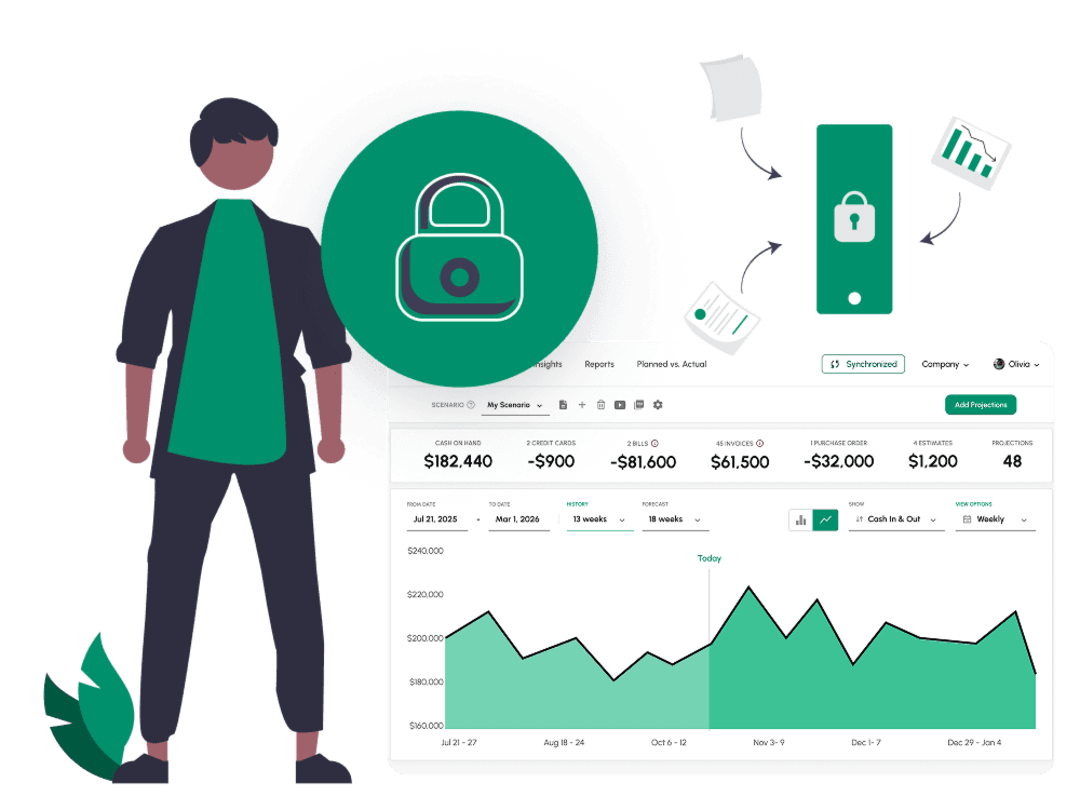
The sync is one-way. Cash Flow Frog reads your QuickBooks Online data to build the forecast and never writes anything back, so nothing in your QuickBooks Online account can change. Data is encrypted with SSL in transit and encrypted at rest, on AWS infrastructure. Your data is never shared with anyone else.
Built for Growing and Complex Businesses
Ideal for:
Multi-entity companies
Finance teams and CFOs
Accountants managing multiple clients
Businesses with complex cash cycles
Handles:
Multiple companies
Intercompany flows
Consolidated cash view
Real-world cash timing
Try It Risk-Free
- 14-day free trial
- No credit card required
- Full access from day one
- Cancel anytime
See your cash position before you commit.
Ready to take control of your cash flow?
Learn more & sign up here

Security and Data
Your data stays yours, always
What people are saying about us

Tieshena Davis
CEO, Publish Your Gift®
A true life saver!
I've been trying to find an efficient and simplified way to forecast our cash flow and expenses, this is the complete solution.

Robert Hughes
Owner, Hughes Engineering, PLLC
Extremely useful
Extremely useful, helping me maintain my cash flow through an aggressive growth period, evaluate the financial planning for the future, and sleep better at night.

Cara Curphey
Founder Albion Bookkeeping & Consulting
Peace of mind
Finally found one that works for us! We tried several and finally found one that actually gave us what we needed - great UX, intuitive software, accurate forecasting.
FAQ
How does Cash Flow Frog work with QuickBooks Online?
Connect your QuickBooks Online account and Cash Flow Frog uses your data to generate a cash flow forecast automatically. No manual setup and no financial modeling background required. The forecast refreshes every day on its own.
Can QuickBooks Online forecast cash flow?
Will Cash Flow Frog change my data in QuickBooks Online?
No. The sync is one-way only. Cash Flow Frog reads your data to build the forecast and never modifies anything in your QuickBooks account.
How long does setup take?
Under a minute for most companies. Sign up, authorize QuickBooks Online, and your first forecast is ready. Plans and costs are on the pricing page.
Get more out of your QuickBooks Online data
Instant setup • No credit card required • Full access