
Forecasting scenarios —
See the results of your business decisions before you make them
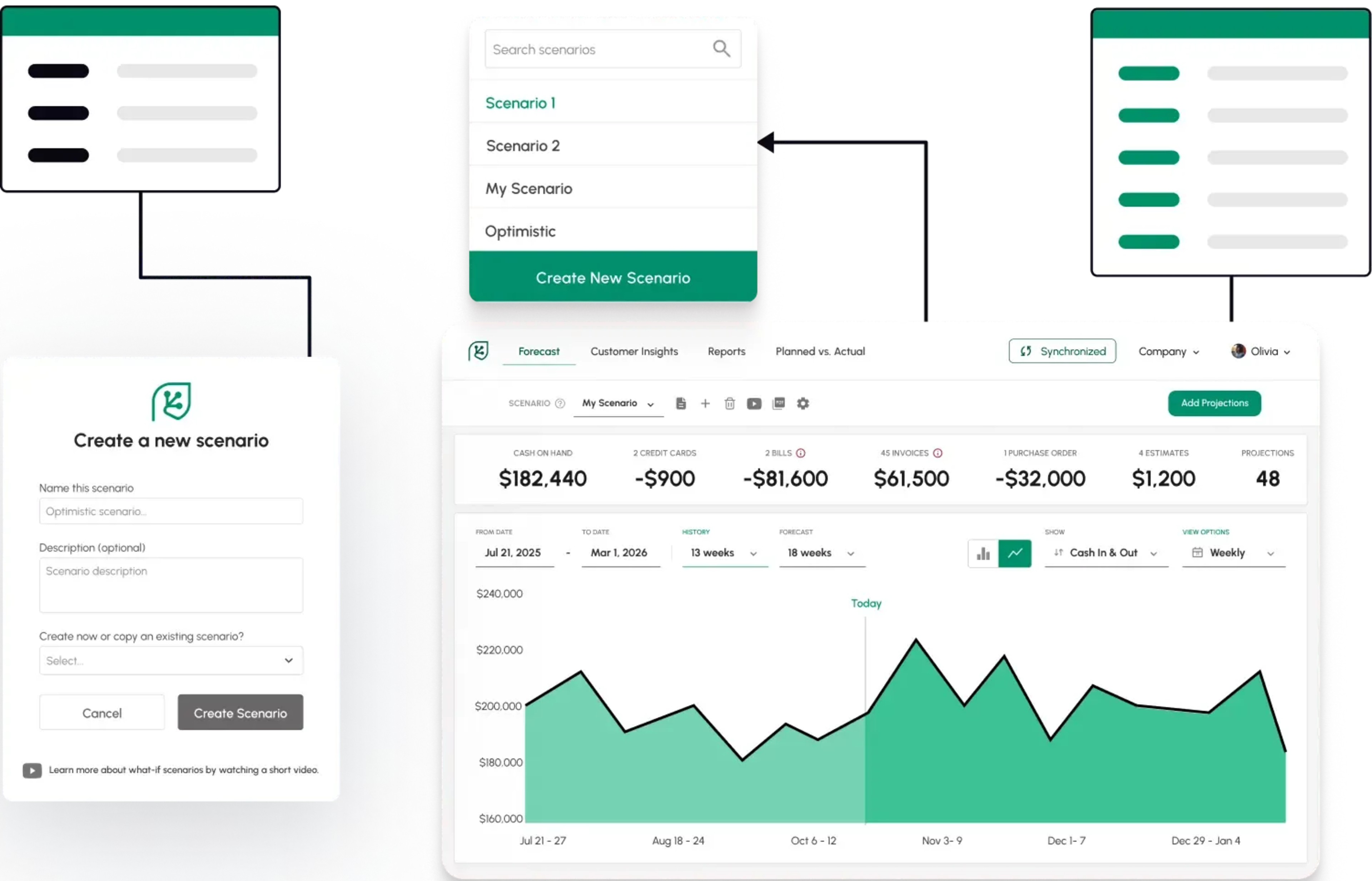
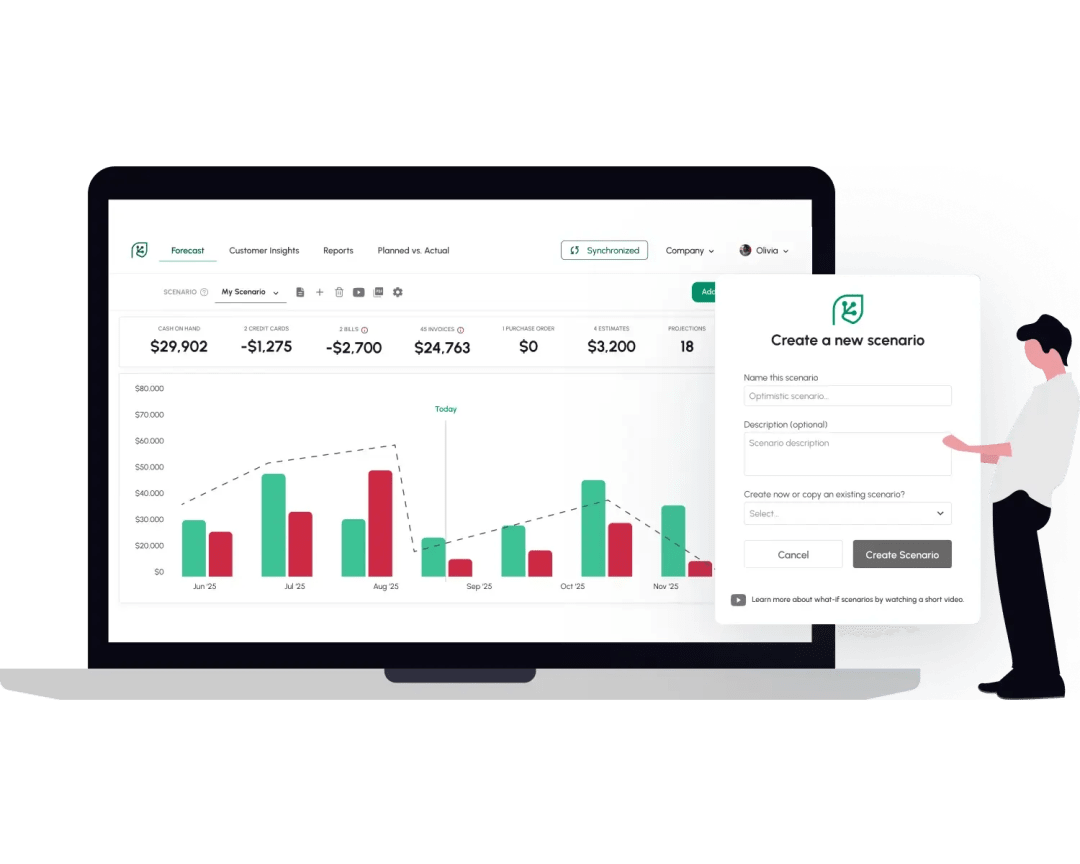
A smart way to simulate the consequences of your decisions
How would hiring a new salesperson impact your business? Sales may increase, but so will your expenses. Would it be profitable?
How would your bottom line be affected if you sign a new customer? They’ll bring in revenue but also require more employee time.
Forecast scenarios allow you to simulate simple or complex sequences of changes. You can use scenario forecasting or multiple cash flow scenario forecasting to see the impact of every option on the table.
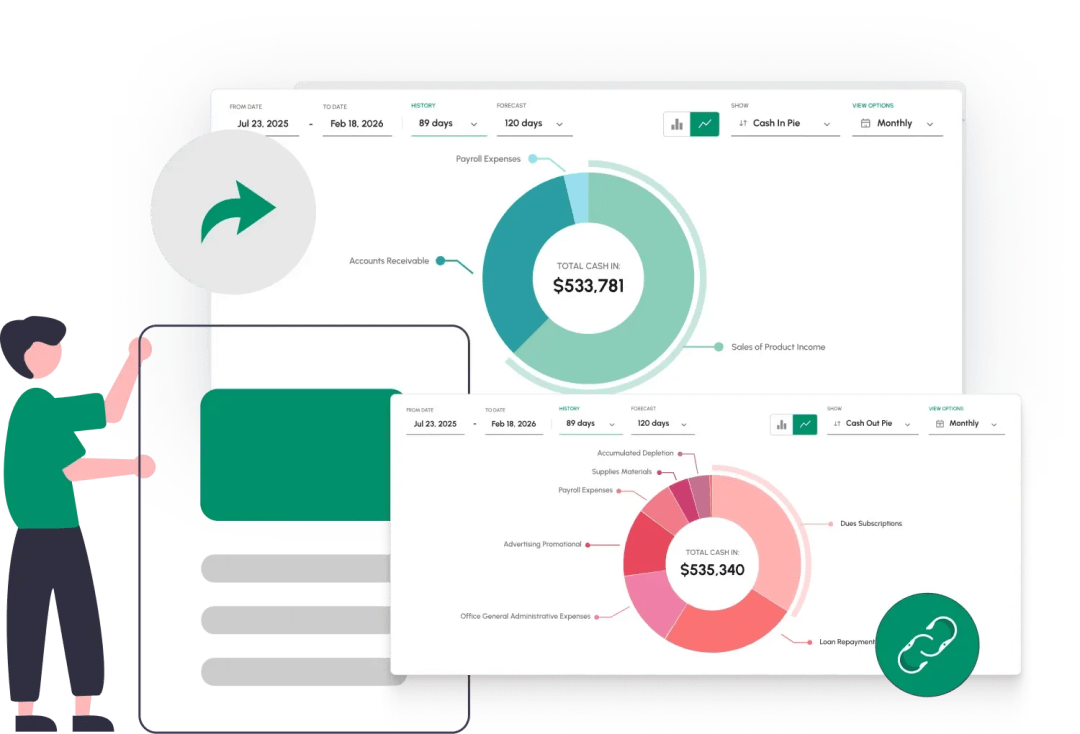
Reach conclusions and share them with your partners
- Makes forecasting cash flow scenarios simple
- Improves future planning by giving you the information you need
- Create sales forecast scenarios before major promotions of product launches
- Test headcount forecast scenarios before making hiring decisions
Test headcount forecast scenarios before making hiring decisionsour stakeholders Start Free
Ready to take control of your cash flow?
Really good forecasting app on every measure. No issues with the synch, user-friendly, meaningful outputs.
Michel Heller
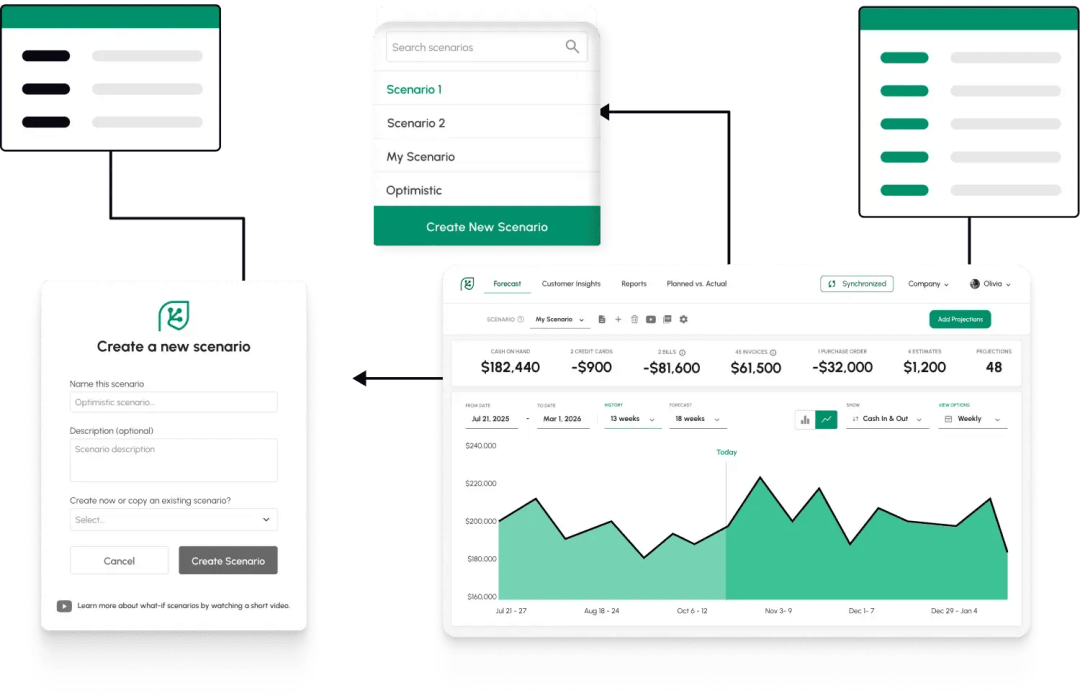
Easily create and manage your forecast scenarios
- Create brand new forecasts, or simply duplicate existing ones.
- Model multiple cash flow scenarios forecasting future changes without changing your actual accounting data.
- Give each forecast a name and description so you know exactly which possible scenario it represents.
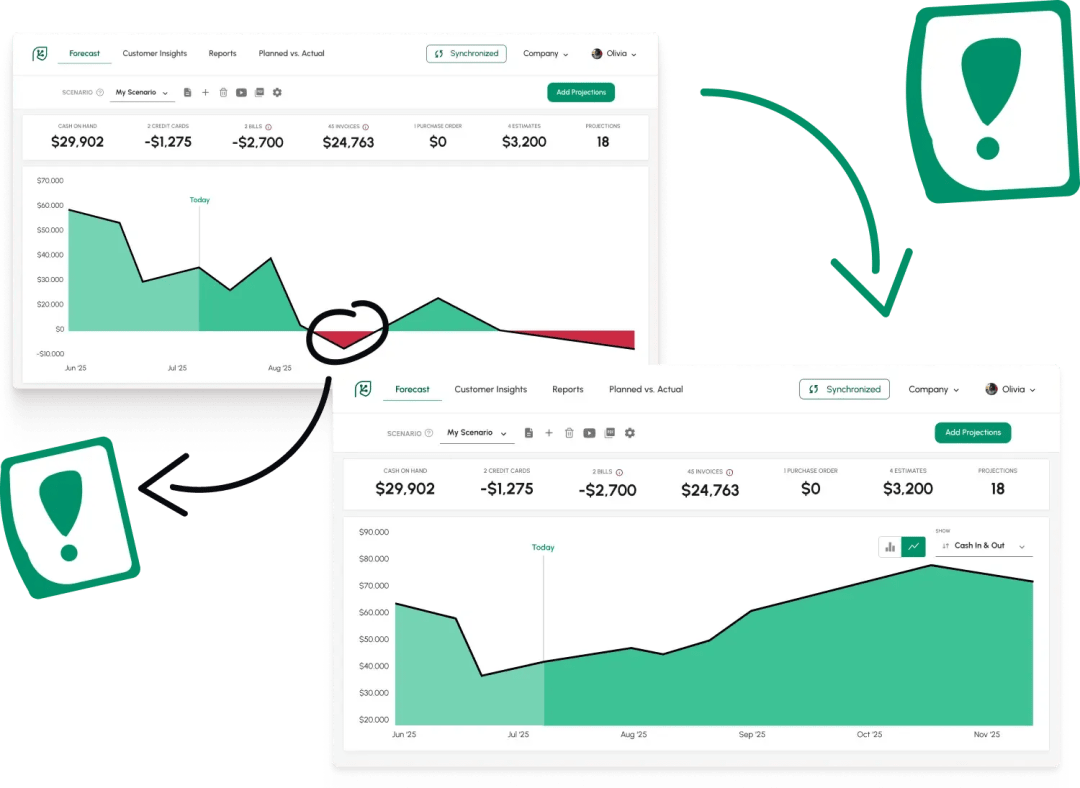
Freely test changes without affecting your accounting software data
Test changes in any financial aspect of your business: Payroll, salaries, include or exclude customers’ invoices, vendors’ bills, and much more.
Changes will only affect the forecast scenario you are testing. Other forecasts will not be affected and the data in your accounting software (QuickBooks Desktop, QuickBooks Online, Xero etc.) will not be affected at all.
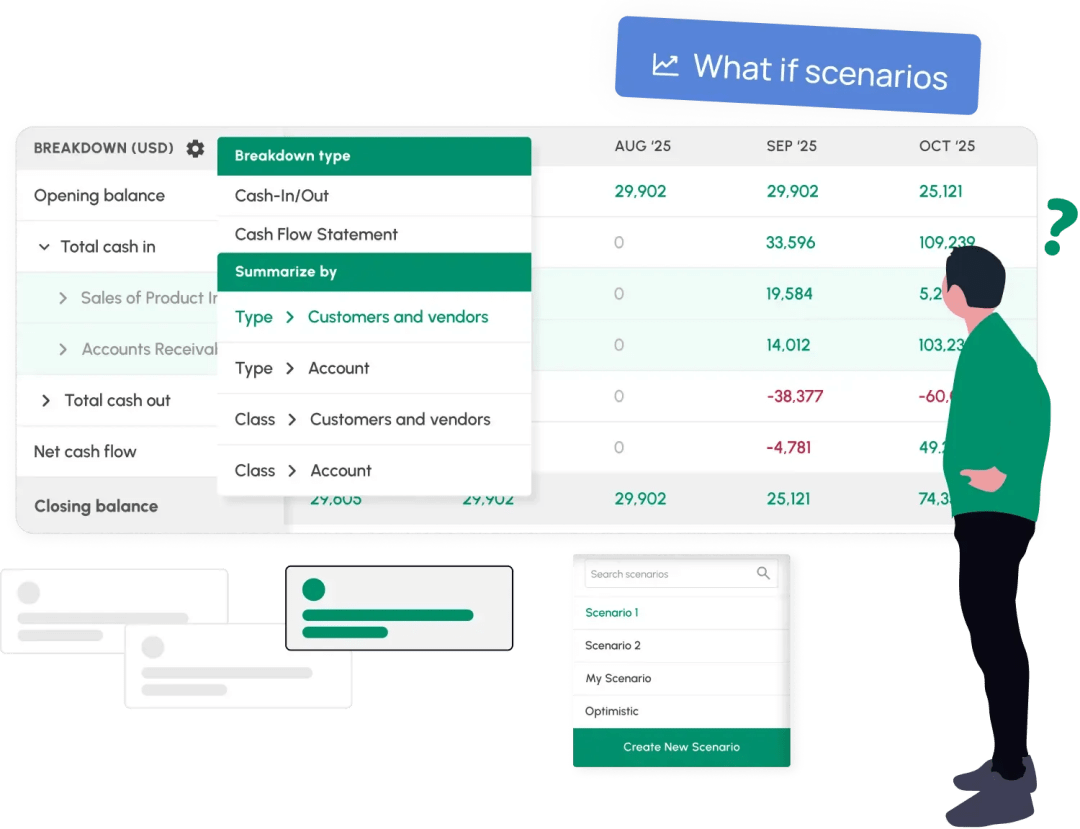
What’s the difference between scenario planning and forecasting?
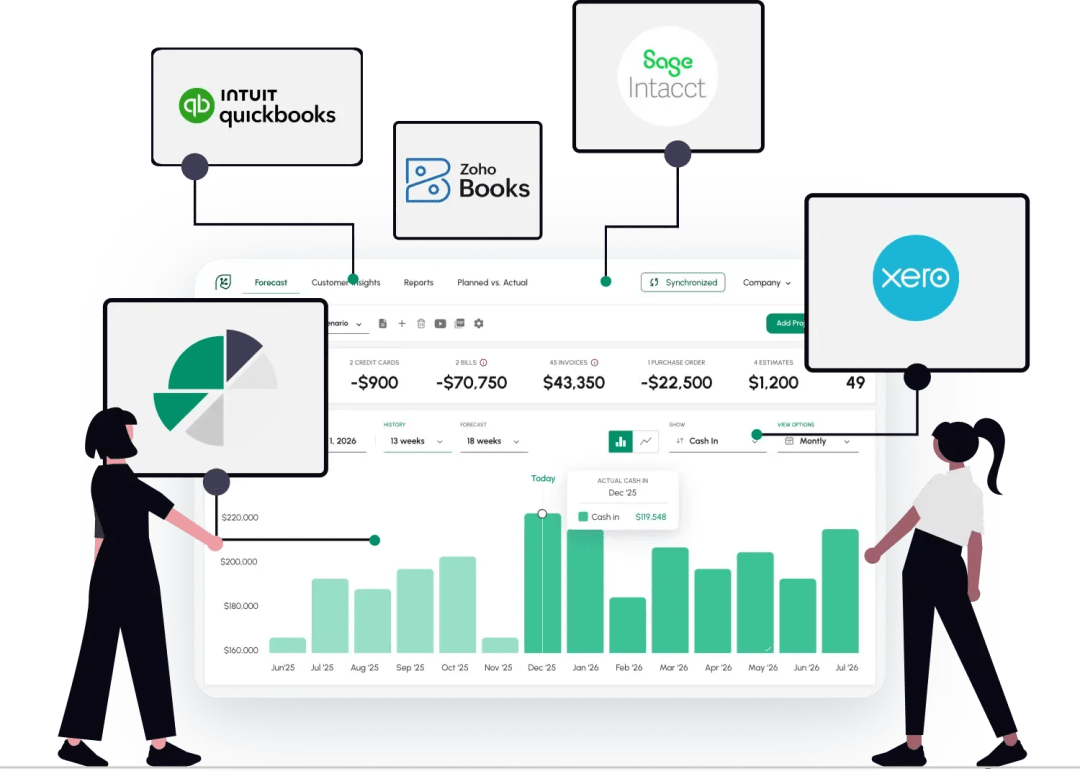
Cash Flow Frog is a natural add-on to your accounting software
Track your cash flow metrics in real time
Get Answers
Scenarios can answer very important questions
Use Scenarios to test events that occur only once, such as a one time purchase, or changes that will have a recurring effect on your business, such as hiring a new employee, or increasing your rent.
Scenarios can easily be used to test multiple changes in cases where one change triggers others. For example:
FAQ
What is the difference between scenario planning and forecasting?
Scenarios provide a long-term view of the business based on changes to certain business parameters. For example, a scenario may include what will happen to revenue if you hire a new employee or add or lose a new client. Scenarios allow businesses to map out short- and long-term possibilities for a business based on certain parameter changes.
Forecasts, on the other hand, make an assumption of cash flow based on past historical data. You can create scenarios for future projections, too.
What are the most frequently used forecasting techniques?
Multiple scenarios forecasting can be done to have an insight into how cash flow will be at different intervals, such as weekly, monthly, 13-week, annual and three-year. Forecasting can be done using scenarios and what-if statements.
Creating multiple what-if scenarios allow you to view the impact of decisions on the future of the business, such as the impact of losing a major client or landing one. Scenarios enable businesses to prepare for potential positive and negative outcomes of decisions.
What are the constraints in scenario forecasting?
Why is scenario planning important for small businesses?
Small businesses need to know how their decisions impact their operations. For example, running individual scenario forecasting can help small businesses understand the impact of:
- Product releases
- Product failures
- Hiring employees
- Expanding operations
- Etc.
Why is it important to develop multiple future scenarios in the planning process?
Forecasting future scenarios is an estimate of what may happen based on various parameters. However, you should develop multiple scenarios when planning so that you can project best-case and worst-case scenarios.
Often, forecasts will fall somewhere between the middle of the best- and worst-case scenarios you create.
Create a scenario
Start Free Trial Now