
New: Setting threshold
 Ariel Gottfeld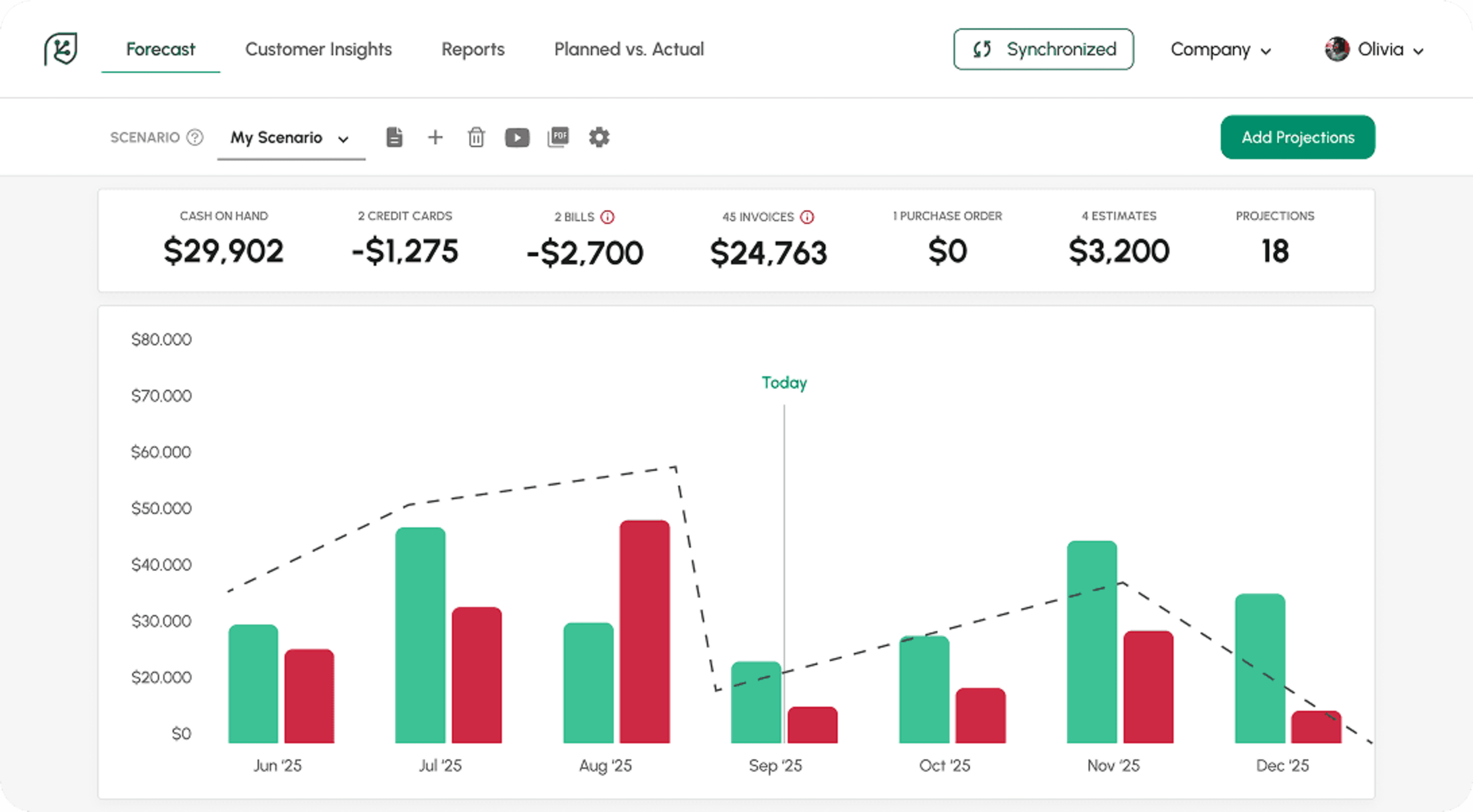
Setting threshold
I got great news for you and for all Cash Flow Frog users. We continue to release highly requested features and here is the latest – Setting thresholds.
The new update lets you easily set thresholds. This allows you to visually monitor when your cash flow drops below a certain amount. For example, if you don’t want your cash on hand to drop below 15K, you can set up a 15K threshold that will be visible on your cash flow graph.
How it works?
Click on the cash on hand on the top left corner. Enable the Threshold toggle. Set your Threshold. That’s it.
Your threshold will always be visible on your cash flow graph.

Best cash flow forecasting software (2026)
Read more

10 Best Cash Flow Business Ideas: Build Income That Counts
Read more

What Is an MCA? Merchant Cash Advance Meaning, Cost & Risks
Read more
10 Cash Flow Management Tips You Can Put to Work Today
Read more

How to Do a Market Analysis in a Business Plan
Read more
Customer Insight Analyst
Read more
Trusted by thousands of business owners
Start Free Trial Now