
Xero Tracking Categories in Cash Flow Frog
Xero Tracking Categories in Cash Flow Frog
Our newest features is a highly requested feature by our Xero users,
Xero tracking categories is a powerful feature which allows you to track how different areas of your business are performing (such as departments, cost centres, or locations).
If you are already using Xero tracking categories, you can use it in Cash Flow Frog and take your cash flow tracking and forecasting to the next level.
Xero Tracking Categories In The Breakdown Table
The cash flow breakdown table includes two levels of breakdown for cash in and cash out totals for each period. By default the first level of breakdown is account type and the second level is the customer, vendor or account. To view cash flow breakdown by tracking option, scroll down to the breakdown table, click on the settings icon and change the setting and select the one of the options which include the tracking category of your choice as the top level breakdown option:



Short Term vs Long Term Cash Flow Forecasting
Read more

QuickBooks class tracking in Cash Flow Frog
Read more
New: Use QuickBooks Recurring Transactions
Read more
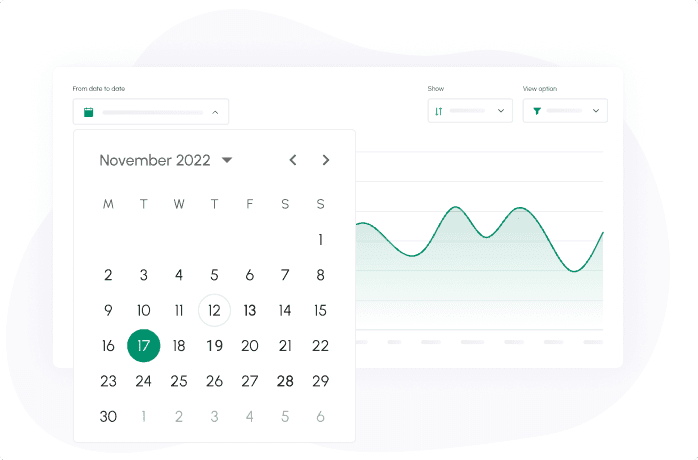
New: Set the period of time in which you want to view your cash flow
Read more

New: Quarterly View and advanced filtering
Read more
New: Improve your cash flow forecast accuracy with our new suggested projections
Read more
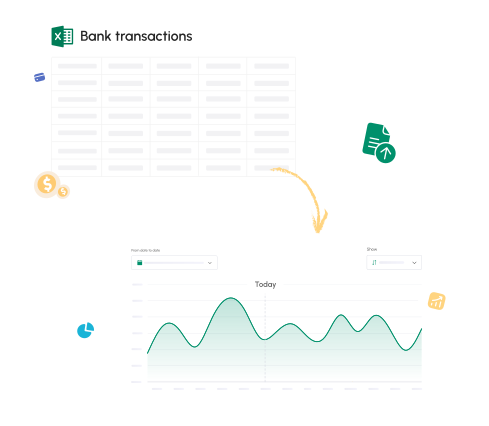
New: Export your cash flow forecast to Excel
Read more
New: Drag & Drop / Export PDF reports
Read more
New: Cash Flow Frog now integrates with QuickBooks Desktop
Read more
Trusted by thousands of business owners
Start Free Trial Now