
Cash Flow Forecasting from Your Excel Bank Data
Import your bank transactions into Cash Flow Frog from an Excel file or CSV and get a rolling cash flow forecast up to 3 years out. No accounting software required. Scenarios, projections, and planned vs actual included. Prefer a live connection? You can also connect your business bank account directly through Plaid.
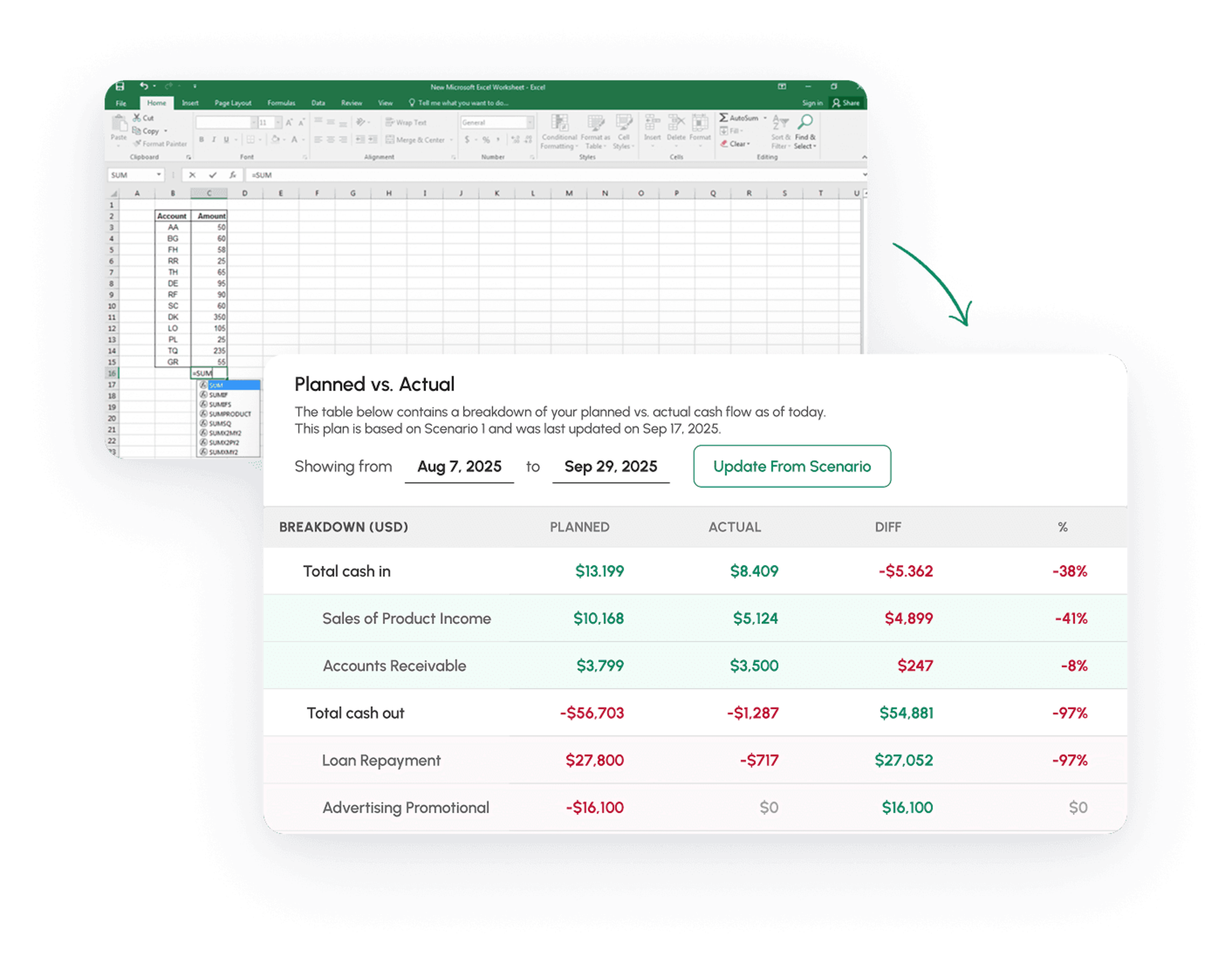
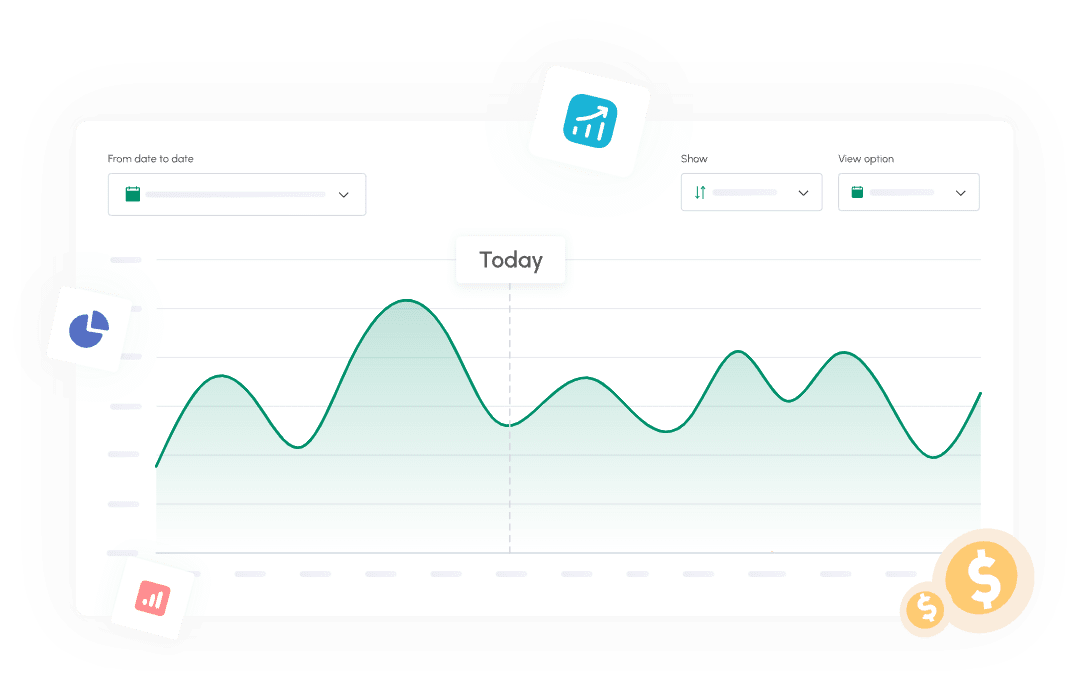
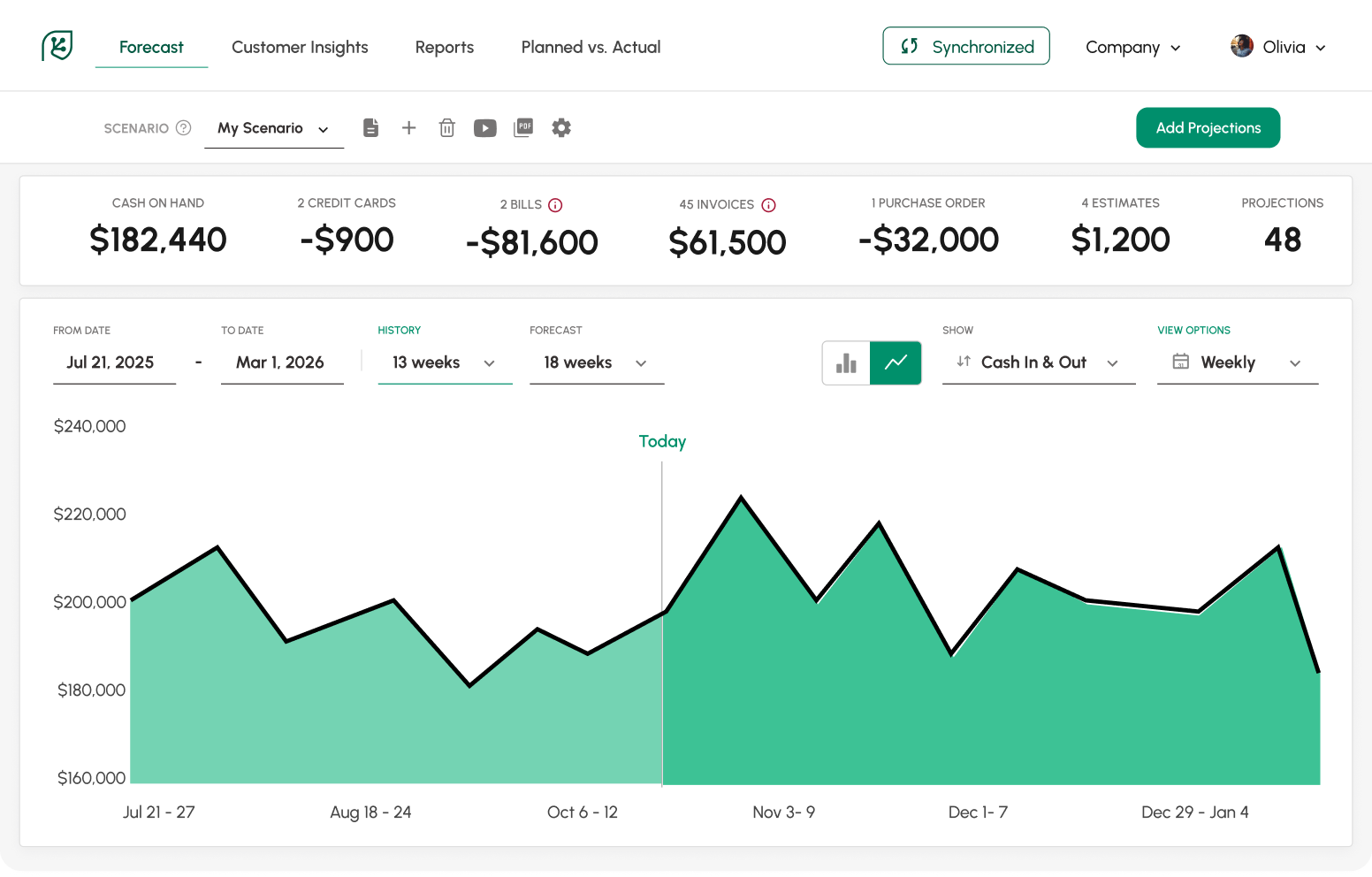
What you get with the Excel import
- Rolling forecasts up to 3 years, built from your real bank history.
- Planned vs actual tracking as months close.
- What-if scenarios you build and switch between.
- A detailed breakdown of cash in and cash out.

Import your bank data in 4 steps
- Export your bank transactions from online banking as Excel or CSV.
- In Cash Flow Frog, click Import Transactions on the home page.
- Download the template and paste your transactions in.
- Upload, and your forecast builds from your real bank history.
To add future projections, click Add Projections in the top bar.
Ready to take control of your cash flow?
Learn more & sign up here
Really good forecasting app on every measure. No issues with the synch, user-friendly, meaningful outputs.
Michel Heller


Bring your own tech stack
Cash Flow Frog fits whatever you already run. Using QuickBooks, Xero, Sage Intacct, Odoo, Zoho Books, or FreshBooks? Connect it directly and the forecast builds itself. Want live bank data without manual imports? Connect your bank through Plaid. The Excel import covers everything else: any bank, any format, no software required.
Your data stays safe
Data is encrypted with SSL in transit and encrypted at rest. Your data is never shared with anyone else.
Built for Growing and Complex Businesses
Cash Flow Frog scales with you.Ideal for:
Multi-entity companies
Finance teams and CFOs
Accountants managing multiple clients
Businesses with complex cash cycles
Handles:
Multiple companies
Intercompany flows
Consolidated cash view
Real-world cash timing
Try It Risk-Free
- 14-day free trial
- No credit card required
- Full access from day one
- Cancel anytime
See your cash position before you commit.

Ready to take control of your cash flow?
Learn more & sign up here

Security and Data
Your data stays yours, always
What people are saying about us

Tieshena Davis
CEO, Publish Your Gift®
A true life saver!
I've been trying to find an efficient and simplified way to forecast our cash flow and expenses, this is the complete solution.

Robert Hughes
Owner, Hughes Engineering, PLLC
Extremely useful
Extremely useful, helping me maintain my cash flow through an aggressive growth period, evaluate the financial planning for the future, and sleep better at night.

Cara Curphey
Founder Albion Bookkeeping & Consulting
Peace of mind
Finally found one that works for us! We tried several and finally found one that actually gave us what we needed - great UX, intuitive software, accurate forecasting.
FAQ
Export your bank transactions as an Excel or CSV file, import them through Import Transactions on the home page, and Cash Flow Frog builds a rolling cash flow forecast from your real bank history. Step-by-step guide: importing bank transactions from Excel.
If your bank is supported, connect through Plaid: transactions flow in automatically and the forecast stays current on its own. Use the Excel import when you prefer manual control or your bank is not available through Plaid.
Click Add Projections in the top bar. You can also download the template, add projections there, and upload it.
No. The import runs entirely in the app: export from your bank, upload, done.
Get more out of your Excel data
See your cash position in minutes. Get your 14 days free trial here.