
Brand Your Cash Flow Dashboard & Reports
 Ariel Gottfeld
Branding Your Cash Flow Dashboard & Reports
Cash Flow Frog provides you with a powerful dashboard and advanced reports that you can share with your colleagues, clients and stakeholders.
It also allows you to brand them with your company logo.
Using your company logo in Cash Flow Frog is super simple:
Click on the Cash Flow Frog icon on the top left corner of the screen.
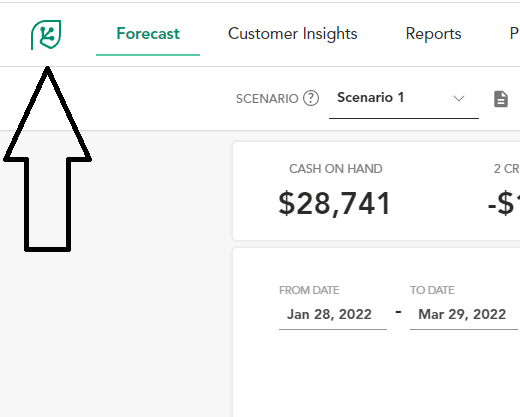
In the dialog click on Select File and select your logo in the file browser.
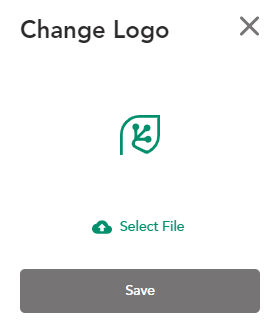
Adjust the borders and click the Save button.
That’s it!
Notice that the logo on the top left corner changed.
Download your branded PDF cash flow
Now download a report and you will see your company logo.

How to Calculate Free Cash Flow (FCF): Formulas + Real Examples
Read more

The 3 Types of Cash Flow: What They Mean and Why They Matter
Read more
Cash Flow Forecasting Template
Read more

Your Guide To Financial Metrics And KPIs
Read more

10 Cash Management Trends for 2026
Read more

10 Best Cash Flow Business Ideas: Build Income That Counts
Read more
FAQ
Trusted by thousands of business owners
Start Free Trial Now